
Case Study: How Cookie Cabin Keeps Storefront TVs Always-On with PosterBooking and Amazon Fire TV
DIGITAL SIGNAGE RESOURCES
This case study explains how Cookie cabin used PosterBooking with Amazon Fire TV devices to run a reliable, always-on setup where content updates are pushed remotely in seconds


Overview
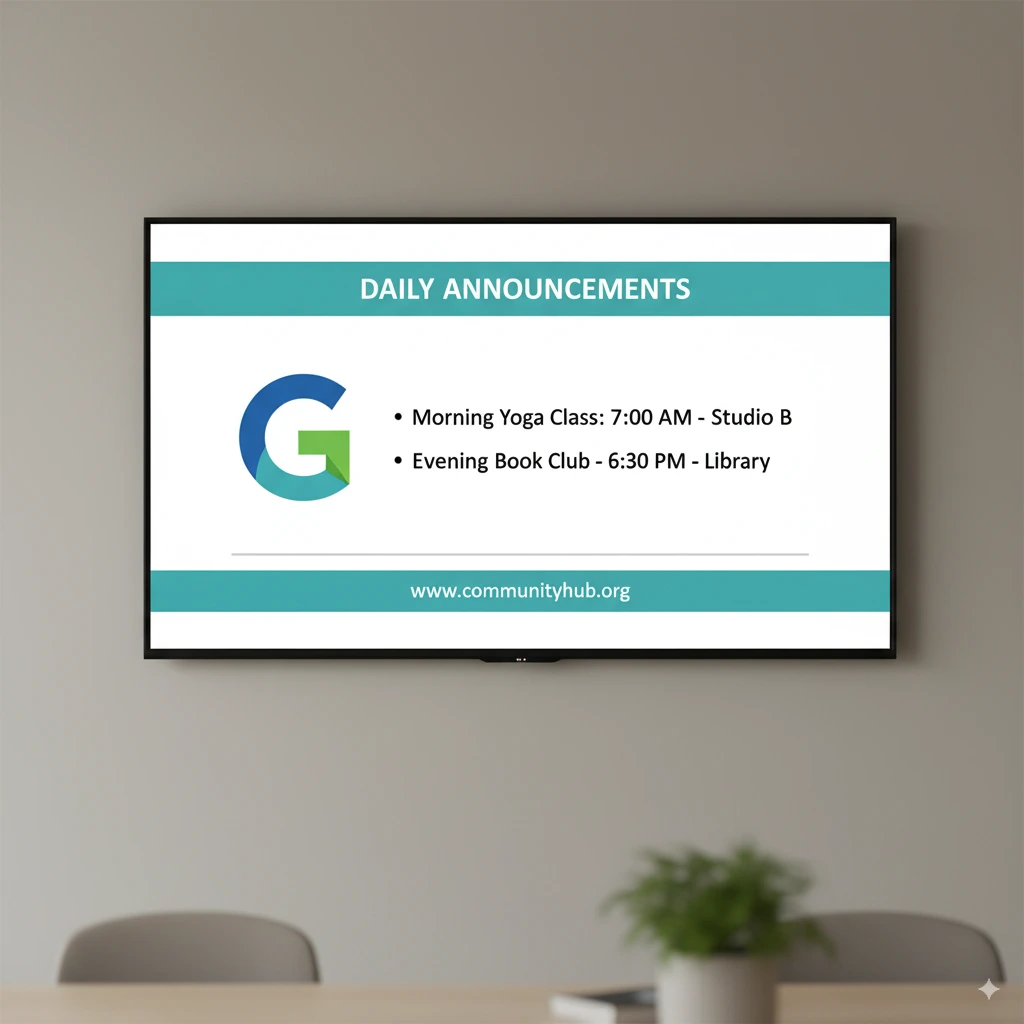
Cookie Cabin uses PosterBooking to control patient-facing - better yet, customer-facing - TVs across the shop floor from a browser, so day-to-day content changes no longer depend on USBs or onsite edits.
Remote publishing keeps menus, promos, and seasonal creatives fresh, while the app relaunches automatically on Amazon Fire TV after a TV is turned off and back on, meaning screens return to sync without staff intervention.
The overall experience feels lightweight to operate, which encourages more frequent and timely updates.
The Challenge
Before standardising on this stack, accidental TV power-offs and occasional media quirks created small but annoying gaps in screen uptime and playback consistency.
Cookie Cabin needed the ability to roll out updates remotely, recover gracefully when a TV was toggled off by staff, and ensure videos played smoothly without having to replace every device or re-author all assets.
They also wanted the option to use portrait orientation for certain placements, so clean support for rotated screens was important.
The Solution
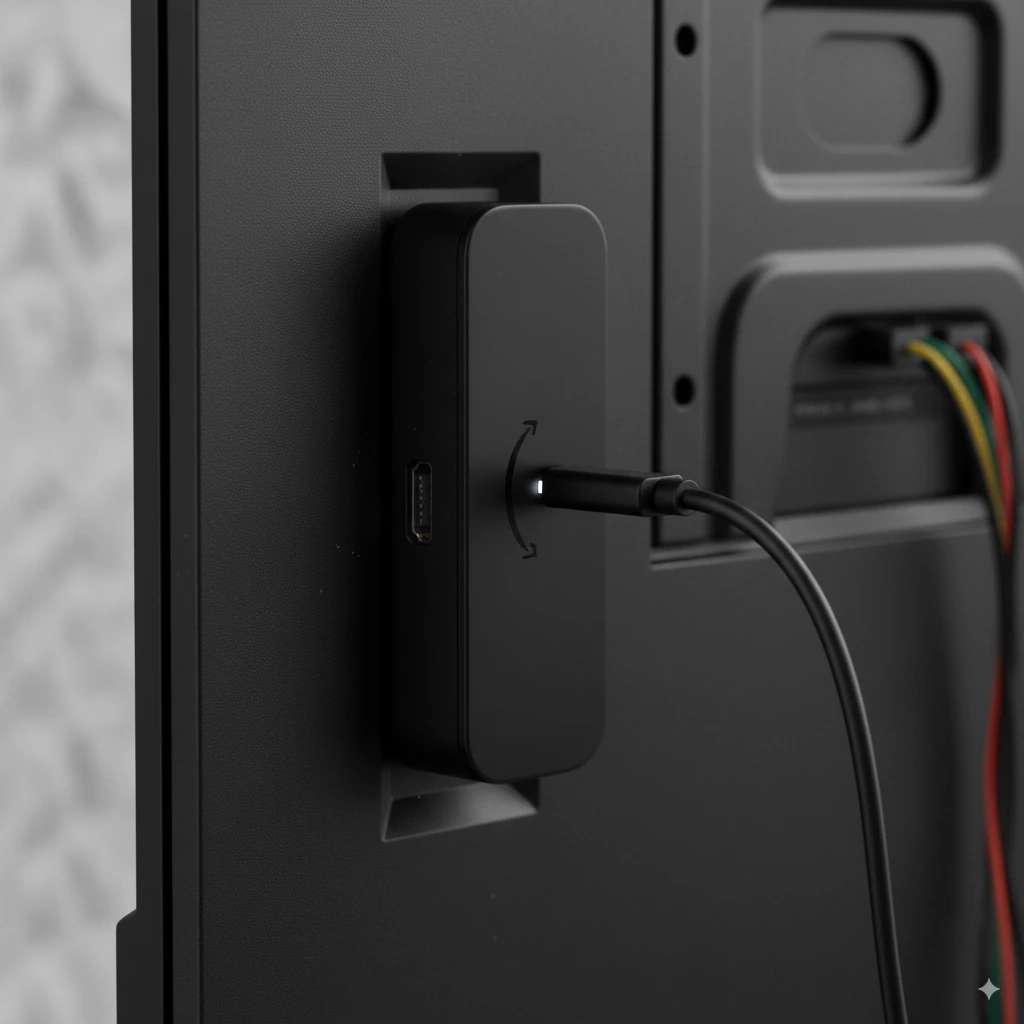
PosterBooking’s app on Amazon Fire TV became the foundation because setup was quick, ongoing management was simple, and the app auto-loads on boot, which restored the signage state after accidental power-offs.
When Cookie Cabin encountered a video playback issue on one device, community guidance pointed them to a 4K Fire TV Stick; after the swap, playback ran smoothly and updates continued to apply instantly.
Rotated screens were enabled without workarounds, so portrait creatives displayed correctly, and the store could keep exploring features at its own pace without disrupting daily operations.

Implementation
Deployment focused on speed and repeatability: devices were enrolled, the PosterBooking app was installed, and the TVs were assigned to the correct playlists so that new content appeared as soon as it was published from the dashboard. Remote updates allowed small creative tweaks throughout the week without walking to the screens, and the automatic app relaunch on Fire TV meant that even after a TV toggle, the system returned to the right content without manual steps. A quick test of portrait mode confirmed rotated layouts rendered as intended, and swapping one unit for a 4K stick resolved the earlier video issue for good.
Results and Impact
With this setup, updates are pushed in moments, playback feels immediate, and the screens have operated reliably for everyday use without noticeable downtime.
Staff no longer worry about whether a TV will “come back” after it is turned off because the Fire TV device relaunches the app automatically and the displays resync themselves.
The small, early hiccup with video playback became a one-time fix thanks to the community recommendation to use a 4K stick, and the store now benefits from an always-on presence that can be refined over time as more features are explored.
Testimonial

“Really enjoy using this app. Updates are easy to roll out and always done remotely. Sometimes our TVs get turned off my staff by accident, but using the Amazon stick means the TVs automatically loads the app back up so things sync. Had some issues with videos playing, but the community quickly helped and was resolved by using a 4K Amazon stick. Updates instant and there’s a lot of features I’ve not used.“
Cookie Cabin
Frequently Asked Questions
What devices does PosterBooking work on and how long does it take to set up?
PosterBooking works on Amazon Fire TV Sticks, the Amazon Signage Stick or Display, Android TV, Chromebox, Windows, and Raspberry Pi. The setup process is very fast and typically takes about 2 minutes to complete.
How does Cookie Cabin handle TVs being accidentally turned off?
The app relaunches automatically on boot when using an Amazon Fire TV device. This means that if a TV is accidentally turned off by staff, the signage state is restored and screens return to sync without any manual intervention.
Is PosterBooking free or how much does it cost per month?
PosterBooking is free for up to 10 screens, though a watermark appears on free screens after a 3 month trial. For larger deployments, it costs $6.49 per screen per month starting from the 11th screen, or $520 per month for the Business Pro unlimited plan.
What should I do if videos are not playing correctly on my Fire TV Stick?
Upgrading to a 4K Fire TV Stick resolved the video playback issues for Cookie Cabin. This hardware swap, recommended by the community, ensured that videos played smoothly and updates applied instantly.
Does PosterBooking work offline if the internet goes down?
PosterBooking supports offline playback through content caching. This allows the digital signage to continue running even if the internet connection is lost.